

バッチファイルでPowerShell実行ポリシーを一時的に設定しつつ、Excel一括検索スクリプトを実行する方法
/ 5 min read
View more blogs with the tag IT・AI活用 - 使い方・手順 , View more blogs with the tag ITスキル , View more blogs with the tag Microsoft Excel , View more blogs with the tag Microsoft Office , View more blogs with the tag Microsoft Windows 10 , View more blogs with the tag Microsoft Windows 11 , View more blogs with the tag PowerShell , View more blogs with the tag スクリプト , View more blogs with the tag セキュリティ , View more blogs with the tag バッチファイル , View more blogs with the tag 実行ポリシー , View more blogs with the tag 実践 , View more blogs with the tag 業務効率化 , View more blogs with the tag 自動化
Table of Contents
この記事で扱う内容
以下の記事でご紹介したPowerShellスクリプトの実行方法の応用版です。
 参考記事PowerShellで複数のExcelファイルを一括検索する方法【ログ出力・エラー処理付き版】
バッチファイルを使用し、ダブルクリックでスクリプトを起動できるようにします。
その際、バッチファイル内で、スクリプト実行前後にPowerShell実行ポリシーを一時的に変更します。
そうすることで、スクリプト実行前に実行ポリシーを緩めてスクリプトを実行できるようにし、スクリプト実行後に元に戻す等の運用が必要なくなります。
前提
前提知識・前提スキル
- Windows OS の基本操作ができる人
前提環境
- 使用PC
- OS が Windows 10または 11であること
- PowerShell 5.1がインストールされていること(Windows 10または11標準搭載)
- Microsoft Excelがインストールされていること
- 以下の記事のPowerShellスクリプトが作成済みであること
参考記事PowerShellで複数のExcelファイルを一括検索する方法【ログ出力・エラー処理付き版】
バッチファイルでPowerShell実行ポリシーを一時的に設定しつつ、Excel一括検索スクリプトを実行する方法
バッチファイルの作成
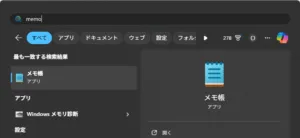
メモ帳を起動する
スタートメニューで「memo」を検索後、「メモ帳」を選択し起動する
メモ帳にコマンドを貼り付け、Excel一括検索スクリプトと同じ場所に保存する
例)D:\PowerShellScript\Search-ExcelContent.bat
@echo offsetlocal
REM カレントディレクトリのパス(バッチファイルのある場所)set "BASE_DIR=%~dp0"
REM PowerShellスクリプトのパス(script フォルダ内)set "SCRIPT_PATH=%BASE_DIR%Search-ExcelContent.ps1"
REM PowerShell 実行(実行ポリシーはプロセス限定で RemoteSigned に)powershell -NoProfile -ExecutionPolicy RemoteSigned -File "%SCRIPT_PATH%"
endlocalpause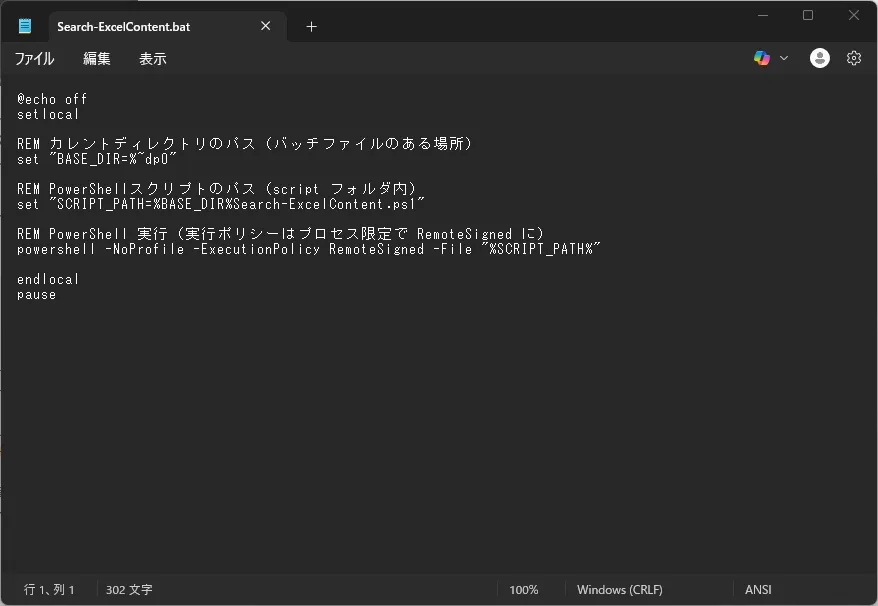
※同じ場所にExcel一括検索スクリプトが保存されていること
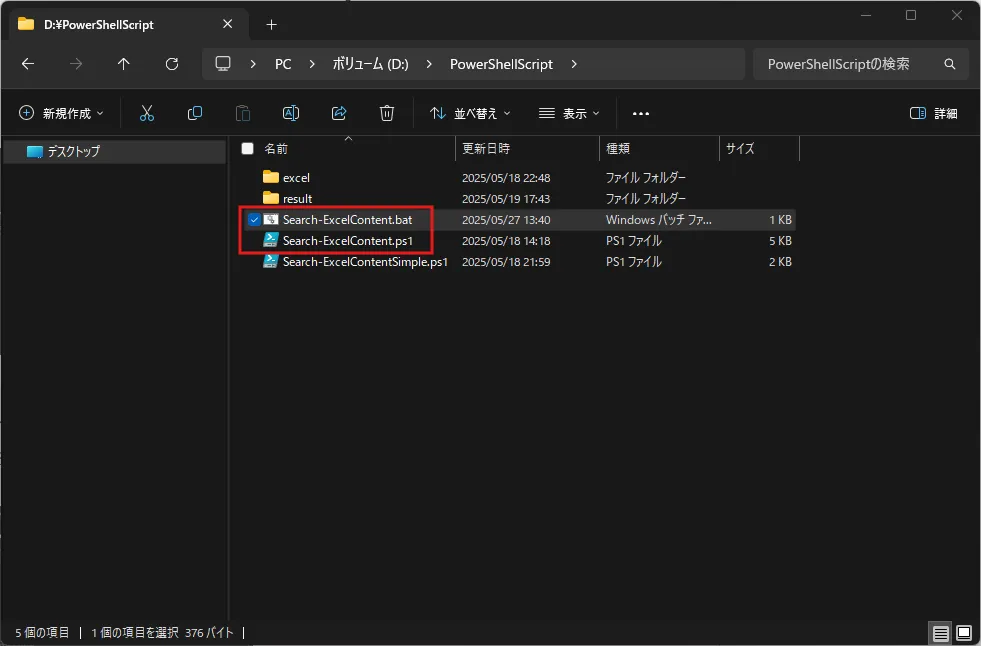
バッチファイルの実行手順

バッチファイルを実行する
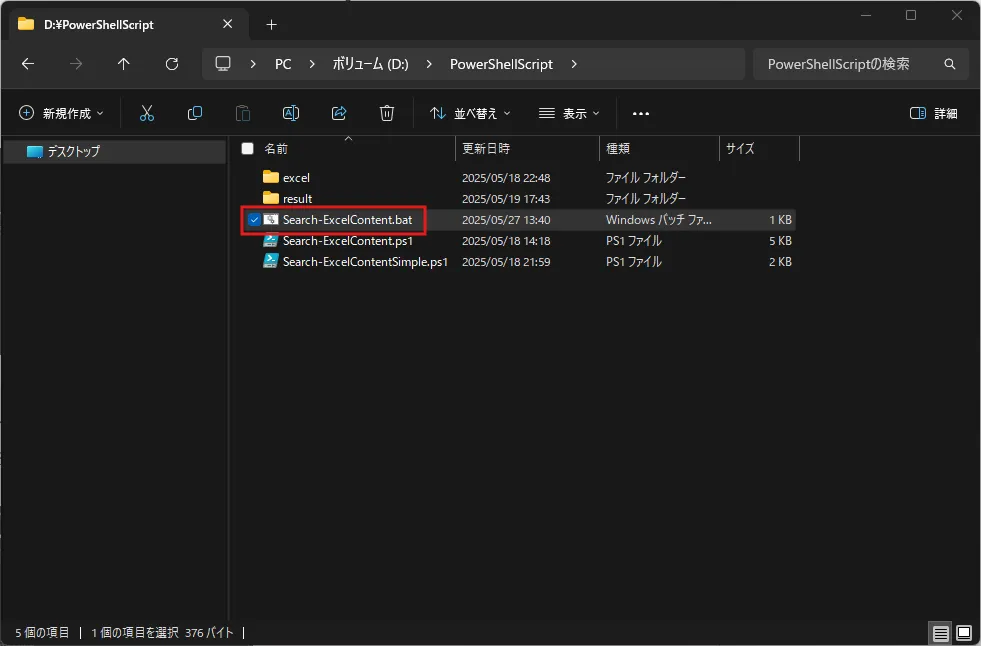
エクスプローラーでバッチファイルの保存先を開き、バッチファイルをダブルクリックする
ウィンドウが開き、開いたウィンドウ上にExcel一括検索スクリプトの実行時ログが出力されるため、問題ないことを確認後、任意のキーを押し、ウィンドウを閉じる
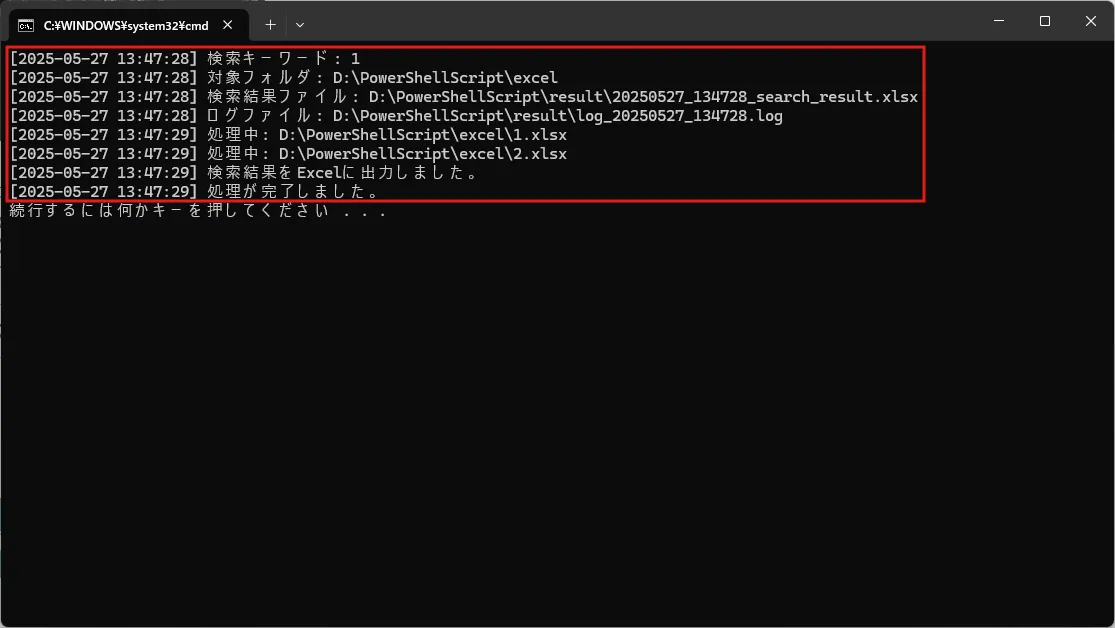
バッチファイルの実行結果

-
Excel一括検索スクリプトの実行時ログがウィンドウに出力されます。
-
Excel一括検索スクリプトの実行時ログのログファイルが出力先フォルダに出力されます。
-
Excel一括検索スクリプトの検索結果Excelファイルが出力先フォルダに出力され、自動で開きます。
以下の記事のスクリプト実行結果に参考画像があります。
参考記事PowerShellで複数のExcelファイルを一括検索する方法【ログ出力・エラー処理付き版】